 By Ahmedd12
If you are wondering how much sunlight an outdoor solar security camera needs, understanding the basics is crucial for reliable home security. Solar-powered security cameras rely on direct sunlight to charge their high-capacity batteries. Even a few hours of indirect sunlight can help, but peak performance comes from unobstructed sun exposure.
Factors like solar panel efficiency, solar camera battery capacity, and solar camera power consumption affect how long the camera can operate without external charging. Proper placement, regular cleaning, and the right panel angle ensure your camera records every motion event without interruption, keeping your property safe all year round.
“All outdoor solar security cameras require 3–5 hours of sunshine daily for good performance and power backup.”
In this article, we explore “how much sunlight does an outdoor solar security camera need?”
What Is an Outdoor Solar Security Camera and How Does It Work?
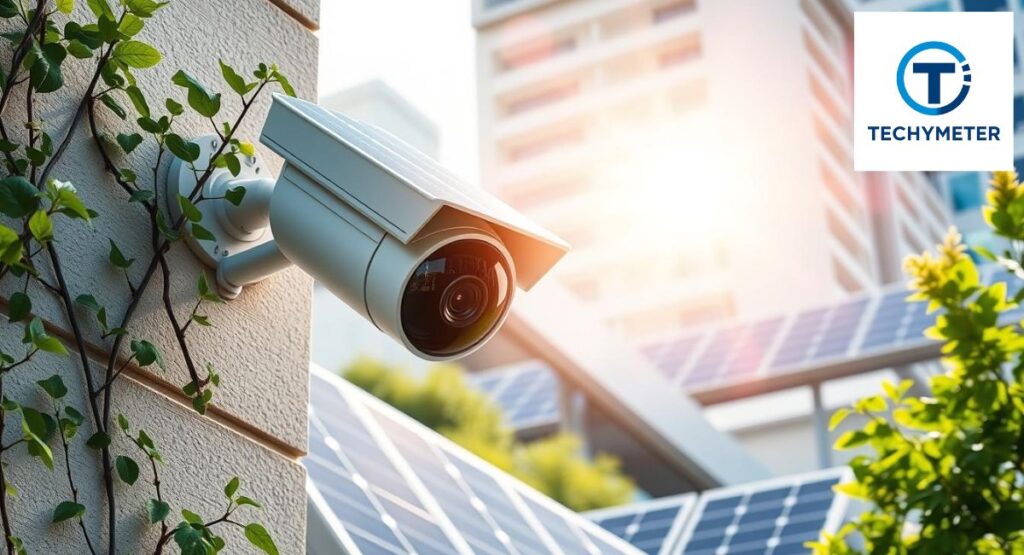
An outdoor solar security camera is a wireless camera that runs on sunlight instead of household electricity. A built-in solar panel captures direct sunlight and converts it into power using photovoltaic cells. This energy moves into battery storage, allowing the camera to run day and night.
Inside the camera, motion detection, live streaming, and night vision use stored energy. At night, infrared LEDs turn on automatically. During the day, sunlight refills the battery. When installed correctly, the system works quietly in the background without daily attention.
These cameras are popular in the USA because they reduce wiring costs and work well in remote areas. However, performance depends heavily on the solar camera’s sunlight requirements and proper setup.
How Do Solar Security Cameras Generate and Store Power?
Compared to previous designs, the solar panel’s singular solar cells are more efficient. These cells absorb direct sunlight for solar camera charging during peak sunlight hours. The energy is converted into usable electricity and sent through a charge controller.
The charge controller protects the battery from overcharging and deep discharge. Power then fills the high-capacity battery, measured in milliampere hours (mAh). This stored power becomes the camera’s power reserve, keeping it alive during cloudy days and rainy weather.
If sunlight drops, the camera switches to energy storage mode. Poor charging leads to battery drain, which explains many cases of solar camera not charging complaints.
Why Sunlight Matters for Solar-Powered Security Cameras
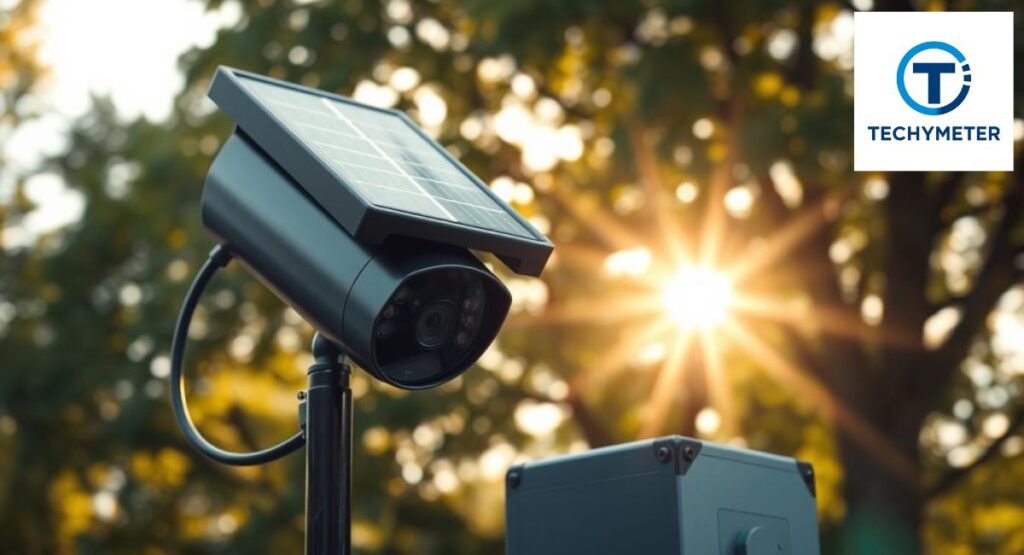
Sunlight is the fuel. Without enough sunlight, even the best camera will fail. The solar camera charging time depends on how long the panel receives clean, unobstructed sunlight. Indirect sunlight solar camera charging works, but it is much slower than direct exposure.
Most cameras need stable sunlight to support Wi-Fi signal strength, constant motion alerts, and recording. If sunlight is weak, features may shut down automatically to save power. This often causes the solar camera to shut off or solar camera to miss footage.
In the USA, sunlight levels vary by geographic location. Homes in Arizona perform differently from homes in Washington. Understanding sunlight is not optional. It is essential.
Understanding Daily Sunlight Needs for Solar Cameras
The truth is simple. Most brands recommend a minimum of sunlight for solar camera systems of about three to five hours daily. This answers the core question of how much sunlight a solar security camera needs for stable use.
The key difference lies between direct sunlight and ambient daylight. Bright skies do not always mean effective charging. A camera placed under tree branches or roof eaves may look sunny, but still underperform.
Below is a realistic table based on USA household testing.
| Condition | Sunlight Type | Charging Result |
| Clear summer day | direct sunlight | Fast charging, full battery storage |
| Bright cloudy day | indirect sunlight | Slow charging, limited power reserve |
| Overcast | ambient daylight | Battery use only |
| Winter low sun | Weak direct light | Reduced charging efficiency |
How Much Sunlight Must a Solar Camera Get Each Day?
For most homes in the USA, the minimum sunlight for solar camera systems falls between three and five hours daily. This sunlight must be direct sunlight, not filtered light. Manufacturers often assume ideal conditions when advertising performance.
If your camera receives less than three hours of charge, charging slows down fast. The solar camera battery capacity starts shrinking instead of filling. Over time, this causes unstable performance and frequent power drops. This is the root cause behind many solar camera not charging complaints.
The goal is not just survival. The goal is to build a strong power reserve that supports night use and poor weather.
How Much Sunlight Does an Outdoor Solar Security Camera Need Per Day?
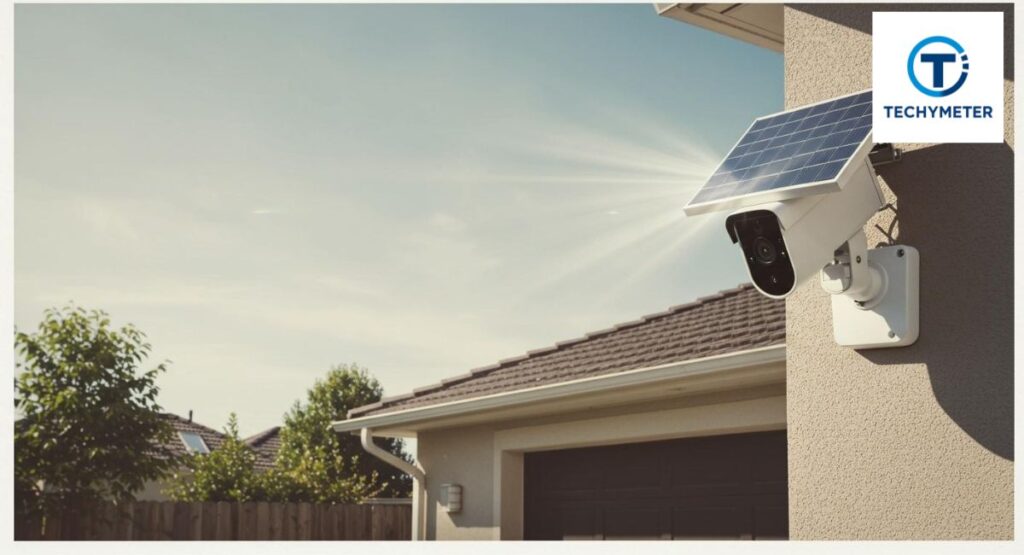
So, exactly how much sunlight does an outdoor solar security camera need per day? For stable operation, four to six hours of direct sunlight for solar camera charging is ideal. This allows enough energy to support recording, alerts, and night vision.
Homes with frequent activity need more sunlight. A busy driveway triggers more motion detection events, increasing solar camera power consumption. Live viewing through apps also drains energy quickly due to live streaming demands.
In simple terms, the more your camera works, the more sunlight it needs. Sunlight equals stability.
Minimum Sunlight Requirements vs Ideal Sunlight Conditions
Minimum sunlight keeps the camera alive. Ideal sunlight keeps it healthy. With only minimal exposure, the camera survives but struggles. With ideal exposure, it performs smoothly without interruptions.
Minimum exposure leads to slow battery storage growth. Ideal exposure improves charging efficiency and extends battery life. This difference becomes clear during cloudy days or long rainy periods.
The table below shows the contrast clearly.”Outdoor solar security cameras require 3–5 hours of sun exposure daily for stable operation and battery backup.”
| Sunlight Level | Daily Result | Long-Term Impact |
| Minimum (3h) | Camera stays on | Higher battery drain |
| Ideal (5–6h) | Full charge | Strong energy storage |
| Excess (7h+) | Surplus power | Best reliability |
Key Sunlight Factors That Affect Solar Camera Performance
Several factors decide whether sunlight helps or hurts your system. The most important thing is the solar camera installation location. Even strong sunlight fails if blocked by shade obstruction, tree branches, or nearby walls.
The angle matters too. A poor tilt angle reduces exposure. Panels facing the wrong direction lose valuable hours. The solar panel’s individual solar cells are more effective than earlier designs. In the USA, a south-facing installation captures more sun than north facing installation.
Weather adds another layer. Solar camera cloudy weather performance drops sharply during storms. Add poor placement, and failures become common. Smart placement prevents most problems before they start.
Which Crucial Elements Affect the Sunlight Requirements of a Solar Camera?
The sunlight needs of a solar camera depend on several interconnected factors. The first is solar panel efficiency, which decides how much power is converted from direct sunlight into usable energy. Panels with poor efficiency require longer exposure to meet energy needs.
Another factor is solar camera battery capacity. A small battery empties quickly during cloudy days or rainy weather, while a high-capacity battery stores more energy. Other factors include motion detection, live streaming, and night vision, all of which increase solar camera power consumption.
How Solar Panel Size and Efficiency Impact Charging
The solar panel size and wattage greatly affect performance. Larger panels capture more direct sunlight and charge the battery faster. Smaller panels work but need longer peak sunlight hours. Monocrystalline solar cells are more efficient, especially in less-than-perfect conditions.
The table below compares panel types and output:
| Panel Type | Wattage | Efficiency | Charging Result |
| Small Polycrystalline | 3W | 15% | Slow charging, low power reserve |
| Medium Monocrystalline | 5W | 20% | Moderate charging, adequate energy |
| Large Monocrystalline | 10W | 23% | Fast charging, strong battery storage |
Proper solar panel installation ensures the camera reaches charging efficiency targets even during indirect sunlight solar camera days.
Why Battery Capacity Is Critical for Solar Cameras
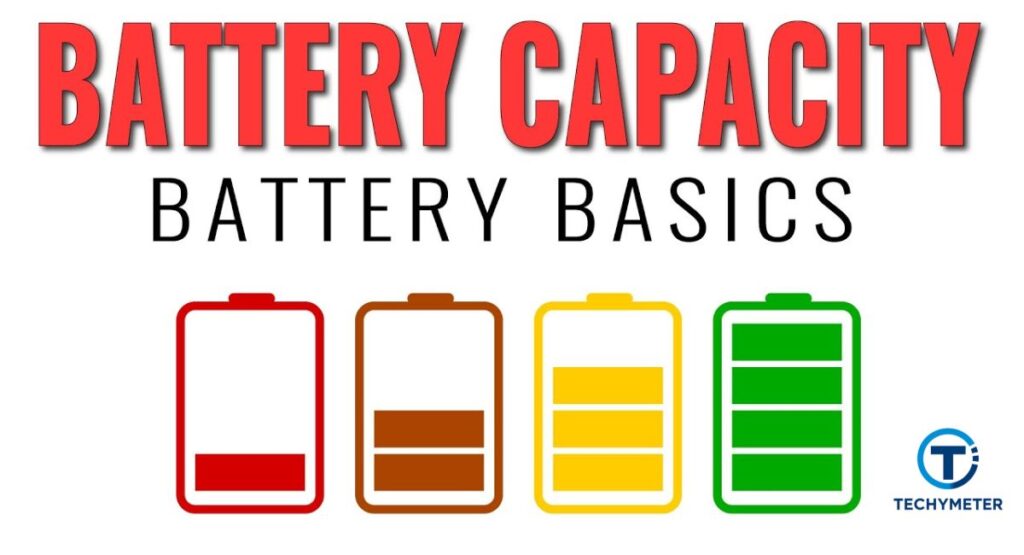
The battery is the heart of any solar-powered security camera. Its milliampere hours (mAh) rating defines how long the camera lasts without sunlight. Small batteries quickly run out, causing the solar camera to shut off or solar camera to miss footage.
For a longer lifespan, a LiFePO4 or deep-cycle battery is preferable to a lead-acid battery. These batteries can discharge deeper without damage and recover quickly. A strong battery provides a power reserve for cloudy days, winter months, and periods of high activity.
The Role of Battery Storage in Night and Cloudy-Day Use
Even when the sun disappears, stored energy keeps the camera running. Battery storage ensures continuous motion detection, infrared LEDs, and Wi-Fi signal strength. Without it, the camera fails after a few hours of darkness or poor sunlight.
During cloudy days or rainy weather, the system relies entirely on the battery. Efficient energy storage and a large, high-capacity battery prevent battery drain. This is why some outdoor solar cameras advertise multi-day backup for low-sunlight areas.
How the Charge Controller Manages Solar Power
The charge controller is the brain of your solar-powered security camera system. It controls how much energy is transferred from the solar panel to the battery. It prevents overcharging, which could damage the high-capacity battery, and avoids deep discharge, which reduces battery life.
Advanced controllers adjust charging during cloudy days or seasonal changes, optimizing charging efficiency. They ensure the camera maintains energy storage for night vision, motion detection, and live streaming. Without a proper charge controller, even strong sunlight cannot guarantee reliable performance.
How Environmental Conditions Impact Solar Charging
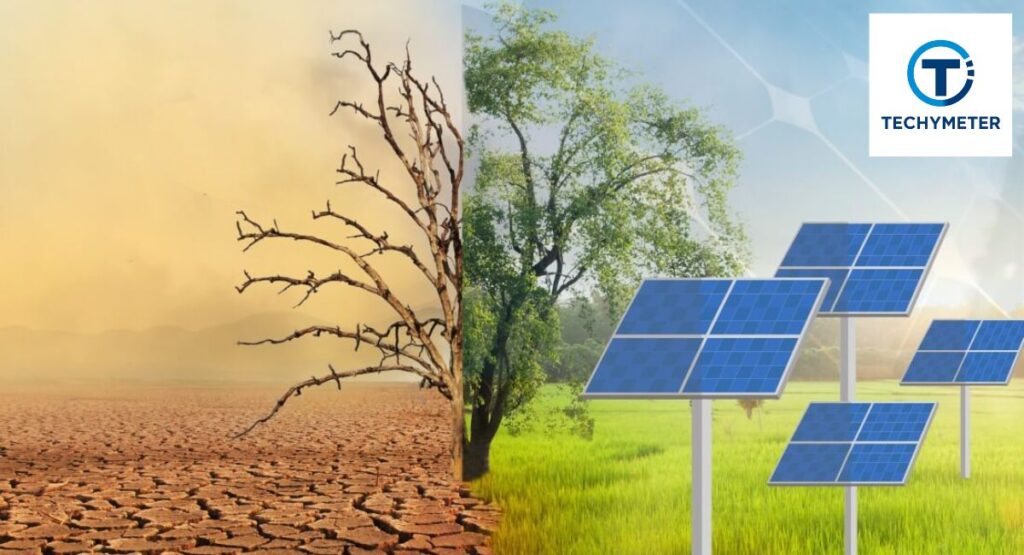
Local weather directly affects solar camera sunlight requirements. Cloudy days reduce solar panel efficiency, sometimes by 70 to 90 percent. Rainy weather limits both direct sunlight for the solar camera and indirect sunlight for the solar camera charging.
Other factors include temperature extremes. High heat can overheat the battery storage, while freezing temperatures in the winter months slow chemical reactions, lowering performance. Homeowners must consider geographic location and shading from tree branches or roof eaves to optimize daily solar camera charging time.
How Cloudy Weather, Rain, and Shade Affect Solar Cameras
Cloudy weather and rainy weather drastically reduce charging. Cameras rely heavily on battery storage during these conditions. Even a solar camera with a high-capacity battery may struggle if direct sunlight is insufficient.
Shade obstruction from tree branches or nearby structures cuts charging further. Placement matters more than panel size alone. Moving the solar panel to a clear spot or adding an external solar panel for a security camera can dramatically improve solar camera performance in cloudy weather.
How Seasonal Changes Impact Solar Camera Performance
Seasonal changes affect peak sunlight hours and tilt angle efficiency. In winter months, days are shorter, and the sun is lower in the sky. Even a well-positioned south-facing installation may receive fewer effective hours.
Summer offers longer days with high direct sunlight, enhancing solar camera charging time and reducing battery drain. Seasonal awareness allows homeowners to adjust solar camera installation location or add backup solutions like an AC adapter or USB charging to maintain continuous security.
Can a Solar Security Camera Work Without Direct Sunlight?
Yes, a solar-powered security camera can still work with an indirect sunlight solar camera, but performance drops. Panels generate power even on cloudy or shaded days, but solar camera charging time is slower.
If your camera relies solely on ambient daylight, the battery storage may not reach full capacity. For homes in the USA with frequent cloudy days, adding a high-capacity battery or an external solar panel for a security camera ensures consistent operation. Think of it as a backup fuel tank for low-light conditions.
What Happens If Your Solar Camera Lacks Sunlight?
Insufficient direct sunlight for the solar camera leads to gradual battery drain. Nighttime features like infrared LEDs, motion detection, and live streaming become unreliable.
Over time, frequent power shortages can shorten battery life. Cameras may enter power management mode, reducing performance to save energy. Homeowners often notice missed alerts, delayed notifications, or solar camera missing footage, signaling an urgent need for repositioning or backup solutions.
Signs Your Solar Camera Isn’t Getting Enough Sun
You can tell if a camera is underpowered. Common signs include the solar camera shutting off randomly, the solar camera not charging, and low battery indicators in the app. Live streams may lag, and motion detection alerts become delayed.
Checking the solar panel for shade obstruction, dust, or dirt is essential. Even a small tree branch shadow can reduce solar panel efficiency. Proper inspection and cleaning often restore performance without expensive upgrades.
Camera Shutting Off, Missing Footage, and Power Drops
A camera that frequently shuts off or shows gaps in recording clearly suffers from insufficient sunlight. This is often exacerbated during winter months, cloudy days, or poorly angled panels.
North-facing installation panels, blocked by roof eaves or shade obstruction, worsen the problem. Using a south-facing installation, adjusting tilt angle, and ensuring clean panels prevent power drops. Pairing with a LiFePO4 battery or a deep-cycle battery maintains battery storage for uninterrupted security coverage.
Assessing Your Camera’s Power Consumption
To optimize solar camera sunlight requirements, you must understand your camera’s energy needs. Features like motion detection, live streaming, and night vision greatly increase solar camera power consumption. Even maintaining a stable Wi-Fi signal strength uses extra battery energy.
Calculate daily consumption using camera specifications. For example, a 5W camera running 10 hours consumes 50 Watt-hours. Adding a 20–30% buffer for cloudy days or high activity ensures your battery storage won’t deplete unexpectedly. This helps prevent the solar camera from shutting off and missing alerts.
Choosing the Right Battery for Your Solar Camera System
Battery selection is crucial. A high-capacity battery, like a LiFePO4 battery or deep cycle battery, is ideal for outdoor solar security camera setups. These batteries withstand frequent discharge and recharge cycles.
Smaller lead-acid batteries are cheaper but wear out faster. Matching solar panel size and wattage to battery capacity ensures effective solar camera charging time. For instance, a 12V 15Ah battery supports multi-day energy storage during cloudy days or low-sunlight periods.
Keeping Your Solar Camera Powered Up All Year
Maintaining a year-round power reserve requires attention to solar camera installation location, panel cleaning, and seasonal adjustments. In winter months, shorter days and low sun angles reduce direct sunlight for the solar camera.
Regular maintenance, proper tilt angle, and using a high-capacity battery prevent downtime. Backup methods, like an AC adapter or USB charging, can sustain operation during long periods of low sunlight. A clean, well-placed panel maximizes charging efficiency all year.
Where Is the Best Place to Install a Solar Security Camera?
Optimal placement is critical. A south-facing installation captures maximum peak sunlight hours in the USA. Avoid north-facing installation, roof eaves, and tree branches that cause shade obstruction.
Panels should be angled according to your geographic location. Typical tilt angle matches latitude for best results. This positioning ensures direct sunlight for the solar camera, reduces battery drain, and improves overall solar camera performance in winter.
Best Placement to Maximize Sunlight for Solar Cameras
Finding the best placement is essential for a solar-powered security camera. Ensure the solar panel gets direct sunlight for the solar camera throughout the day. Avoid shade obstruction from tree branches or nearby buildings.
Even a few hours of blocked sunlight can reduce solar camera charging time and energy storage. Ideal spots are open yards or rooftops with minimal shadows. Regularly check for new obstacles as seasonal changes may create unexpected shading.
North-Facing vs South-Facing Installation: What Works Best?
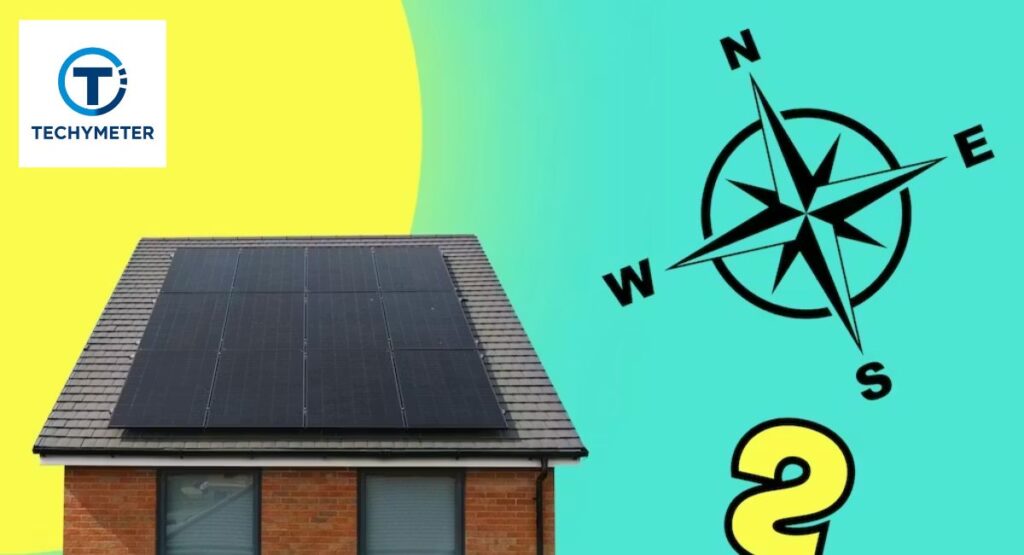
In the USA, a south-facing installation provides maximum peak sunlight hours. North facing installation often receive limited direct sunlight, reducing solar camera performance in winter and in cloudy weather.
Proper orientation improves solar panel efficiency and solar camera battery backup. Even panels with monocrystalline solar cells cannot compensate for poor placement. Adjust the tilt angle according to your geographic location to maximize daily sunlight for the solar security camera.
Installation Tips to Maximize Sunlight Exposure
Use adjustable mounting brackets to optimize the tilt angle. Panels should face unobstructed sunlight during peak sunlight hours. Keep them away from roof eaves and tree branches to prevent shade obstruction.
Regular cleaning is vital. Dust, pollen, and bird droppings reduce solar panel efficiency. Wiping with a soft cloth maintains charging efficiency. Proper installation ensures the camera receives enough direct sunlight and prevents solar camera not charging issues.
How to Maintain Your Solar Panel for Peak Efficiency
Maintenance keeps your outdoor solar security camera running at full capacity. Inspect panels monthly for dirt, debris, or cracks. Even minor grime blocks direct sunlight and decreases solar camera charging time.
Clean the panel using water and a soft cloth. Avoid harsh chemicals that damage photovoltaic cells. Well-maintained panels improve solar camera performance in winter, cloudy weather, and maximize energy storage for night vision, motion detection, and live streaming.
Tips to Improve Solar Charging Efficiency for Outdoor Cameras
Improving solar camera charging time ensures consistent operation. Start by checking solar panel efficiency, solar panel size, and wattage. Larger, monocrystalline solar cells generate more power, even in cloudy days or partial shade.
Adjust the tilt angle for your geographic location and remove shade obstructions like tree branches or roof eaves. Activating power management mode in the camera reduces solar camera power consumption, ensuring battery storage lasts longer for night vision and motion detection.
What Can You Do If Your Solar Camera Isn’t Getting Enough Sun?
If the solar-powered security camera isn’t receiving enough direct sunlight for solar camera, reposition the panel to a brighter location. Adding an external solar panel for a security camera can supplement energy storage.
Adjust camera settings like motion detection sensitivity, video quality, and live streaming frequency. Using power management mode reduces battery drain, keeping the camera operational during cloudy days, rainy weather, or winter months.
Backup Power Solutions for Low-Light Conditions
For areas with low sunlight, backup options are essential. Using an AC adapter or USB charging ensures your camera remains powered. A high-capacity battery or deep-cycle battery provides extended battery storage for night vision and alerts.
In challenging conditions, combine a solar camera battery backup with an external solar panel for a security camera. This guarantees reliable solar camera performance in winter and during consecutive cloudy days.
Are External Solar Panels Better Than Built-In Panels?
External solar panels usually outperform built-in panels because of larger solar panel size and wattage, and flexible placement options. They can avoid shade obstruction and optimize peak sunlight hours, improving charging efficiency.
Built-in panels are convenient but often limited in solar camera charging time and battery storage. Adding an external solar panel for a security camera ensures reliable operation, especially in low-sunlight areas or winter months.
Choosing the Right Solar Security Camera for Low-Sunlight Areas
For a solar security camera for low sunlight areas, prioritize solar panel efficiency and battery storage. Cameras with monocrystalline solar cells and high capacity battery can handle cloudy days and winter months better.
Check solar camera power consumption. Lower consumption models last longer when sunlight is limited. Using an external solar panel for a security camera adds extra energy. Correct installation location and tilt angle ensure the camera receives direct sunlight for a solar camera, even in shaded or northern areas.
Key Considerations Before Buying a Solar Security Camera
Before purchasing, evaluate your location’s daily sunlight for a solar security camera. Consider solar camera sunlight requirements, including peak sunlight hours and seasonal changes.
Check battery type, choosing between a LiFePO4 battery or a deep cycle battery for longevity. Review solar panel size and wattage, solar camera charging time, and features like motion detection, night vision, and live streaming. Proper planning ensures consistent energy storage and prevents the solar camera from not charging or draining the battery.
Benefits of Using Solar-Powered Outdoor Security Cameras
Solar-powered security camera systems save energy, reduce wiring hassle, and offer flexible placement. With high capacity battery and external solar panels, they operate reliably during cloudy days, rainy weather, and winter months.
Other benefits include environmental friendliness, low maintenance, and consistent solar camera performance in winter. These cameras provide power reserve, uninterrupted motion detection, and reliable live streaming without a constant AC adapter or USB charging. Proper setup ensures safety while harnessing natural energy efficiently.
Conclusion
Understanding how much sunlight a solar security camera needs is key to keeping your outdoor solar security camera reliable. Most cameras require 3–5 hours of direct sunlight fora solar camera daily, but factors like solar panel efficiency, battery storage, camera power consumption, and installation location all influence performance.
Proper placement, correct tilt angle, and regular maintenance ensure optimal solar camera charging time and prevent issues like solar camera shutting off or missing footage. Using external solar panels for a security camera or a high-capacity battery provides a reliable power reserve during cloudy days, rainy weather, and winter months. With careful planning and setup, solar-powered cameras offer consistent security, eco-friendly operation, and peace of mind year-round.
FAQs
1. How many hours of sunlight does a solar camera need?
Most solar cameras need about 3–5 hours of direct sunlight daily to stay fully charged and operate reliably. Less sunlight may reduce battery backup and cause missed recordings.
2. How much sun do solar-powered outdoor lights need?
Solar lights generally require 6–8 hours of direct sunlight per day for optimal performance. Limited sun may make them dimmer or shorten the time they stay on at night.
3. How much sun do solar watches need?
Solar watches usually need a few hours of bright light each day to maintain a full charge. Even indoor ambient light can slowly charge them, though direct sunlight is faster.
4. Do solar trail cameras need direct sunlight?
Yes, direct sunlight improves charging speed and ensures the camera has enough power for motion detection and recording. Indirect light may charge slowly and limit performance.
5. What are the disadvantages of solar cameras?
They rely on sunlight, so cloudy days, shade, or winter months can reduce charging. They may also have higher upfront costs and need occasional panel maintenance.
6. Does solar work with indirect sunlight?
Yes, solar panels can generate power from indirect sunlight, but efficiency drops significantly. Full direct sunlight is always better for charging and battery storage.
7. Do solar lights work if they don’t get direct sunlight?
They can work in partial or indirect sunlight, but performance is reduced. Lights may stay on for shorter periods and may not reach full brightness.
8. How long can solar last without the sun?
A high-capacity battery allows solar devices to operate for 1–7 days without sunlight, depending on energy use. Backup power or external solar panels can extend this duration.
9. What is the biggest drawback of solar panels?
The main drawback is their reliance on sunlight, making them less effective in shaded areas or during cloudy days. Efficiency also decreases over time and in the winter months.
10. What happens to solar panels after 25 years?
After 25 years, most panels still produce about 80% of their original output. Some degradation occurs, but they can often be reused or recycled.
11. Do solar panels work on cloudy days?
Yes, they work, but produce significantly less energy, usually 20–30% of full capacity. Batteries may need to supply extra power during extended cloudy periods.
12. What are the best alternatives to solar panels?
Alternatives include wind turbines, grid electricity, generator systems, or hybrid solar-battery setups. These can provide consistent power where sunlight is insufficient.
Read More
Top Secrets of Radio Control Helicopter Camera for Buyers
A Complete Companion: Can You Use a Solar Bowl for a Camera to Charge a Battery?
Everything About Cellular Security Cameras: The Ultimate Surveillance Guide
The Complete Guide to Night Vision Cameras: How They Work, Why They Matter & Best Options